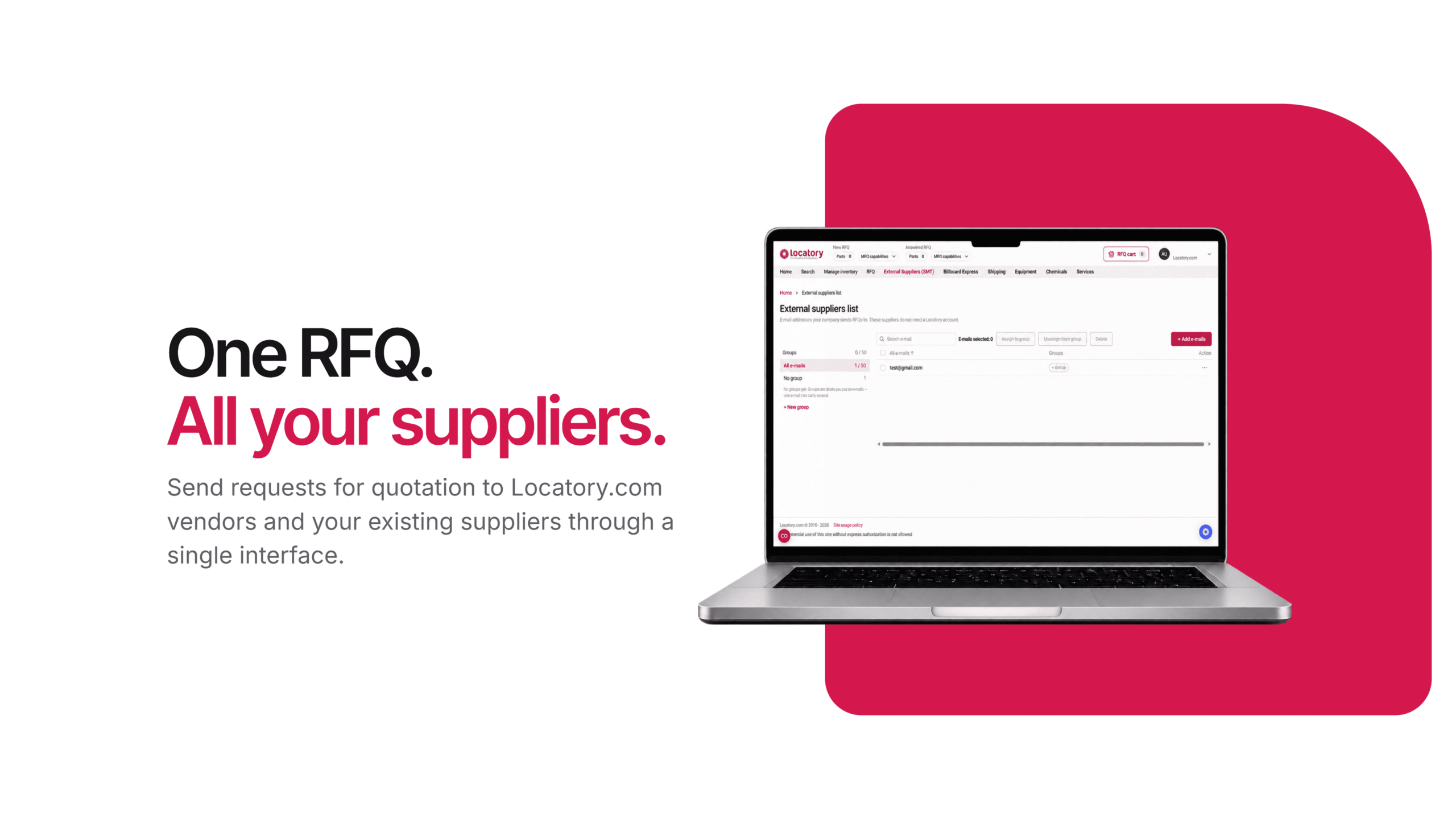
Locatory.com has updated its Supplier Management Tool (SMT), allowing aircraft parts buyers to send requests for quotation (RFQs) to both marketplace vendors and their existing suppliers through a single interface.
No more switching between the marketplace, inbox and a spreadsheet.
How it works
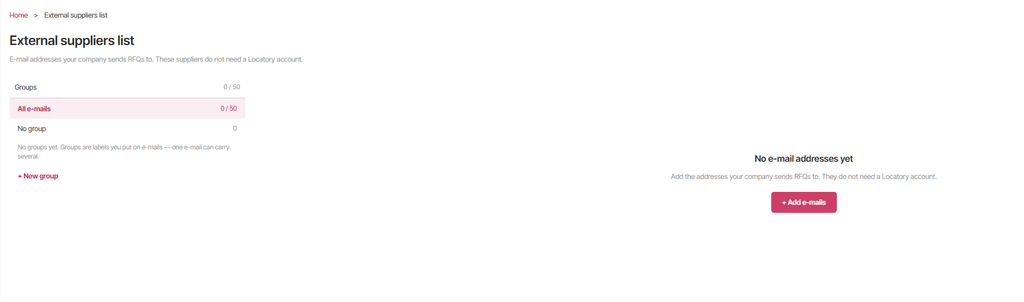
- Build your supplier list. Add the email addresses of your external suppliers and sort them into groups based on part categories, ATA chapters or geographic regions.
*External suppliers do not need a Locatory.com account. An email address is enough.
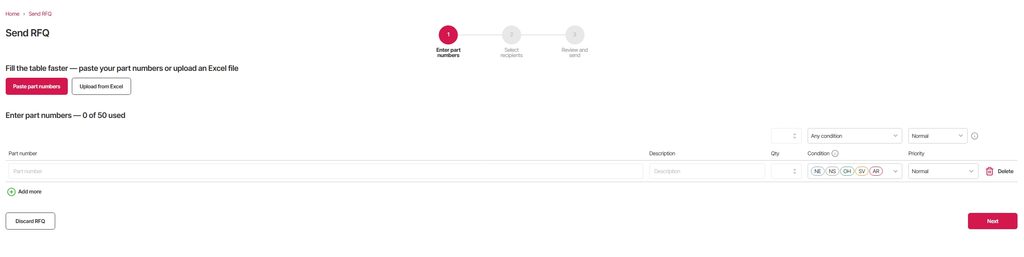
- Create RFQ. Paste the part numbers or upload them from Excel. Then set the quantity, condition and priority for each part.
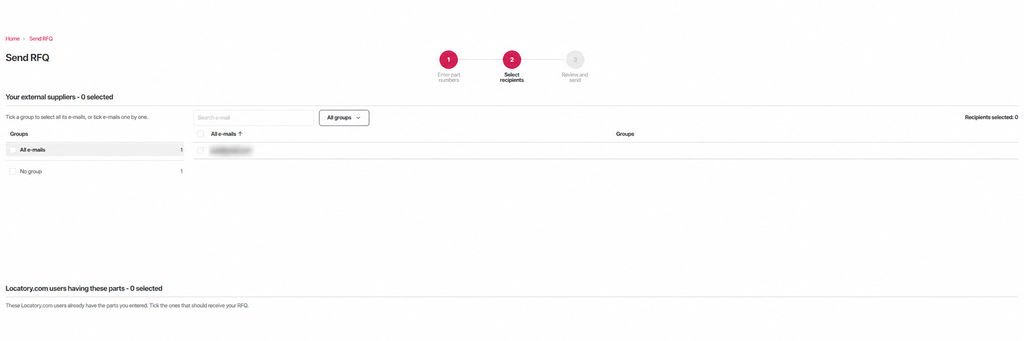
- Choose recipients and send. SMT shows which Locatory.com vendors have your parts. Select the ones you want, add your own suppliers or whole groups. Set the deadline for answers, add a reference number or comment if needed, and send a single RFQ to all of them at once.
- Compare and decide. All replies arrive in one place. Compare offers side by side or export them to PDF or Excel.
Get started
Your next RFQ can already go through the updated SMT. If you have any questions, contact your account manager or write to us at [email protected].
New to Locatory.com? Book a demo to see how SMT works.